

Site Startup
Syncora Training | Site Startup
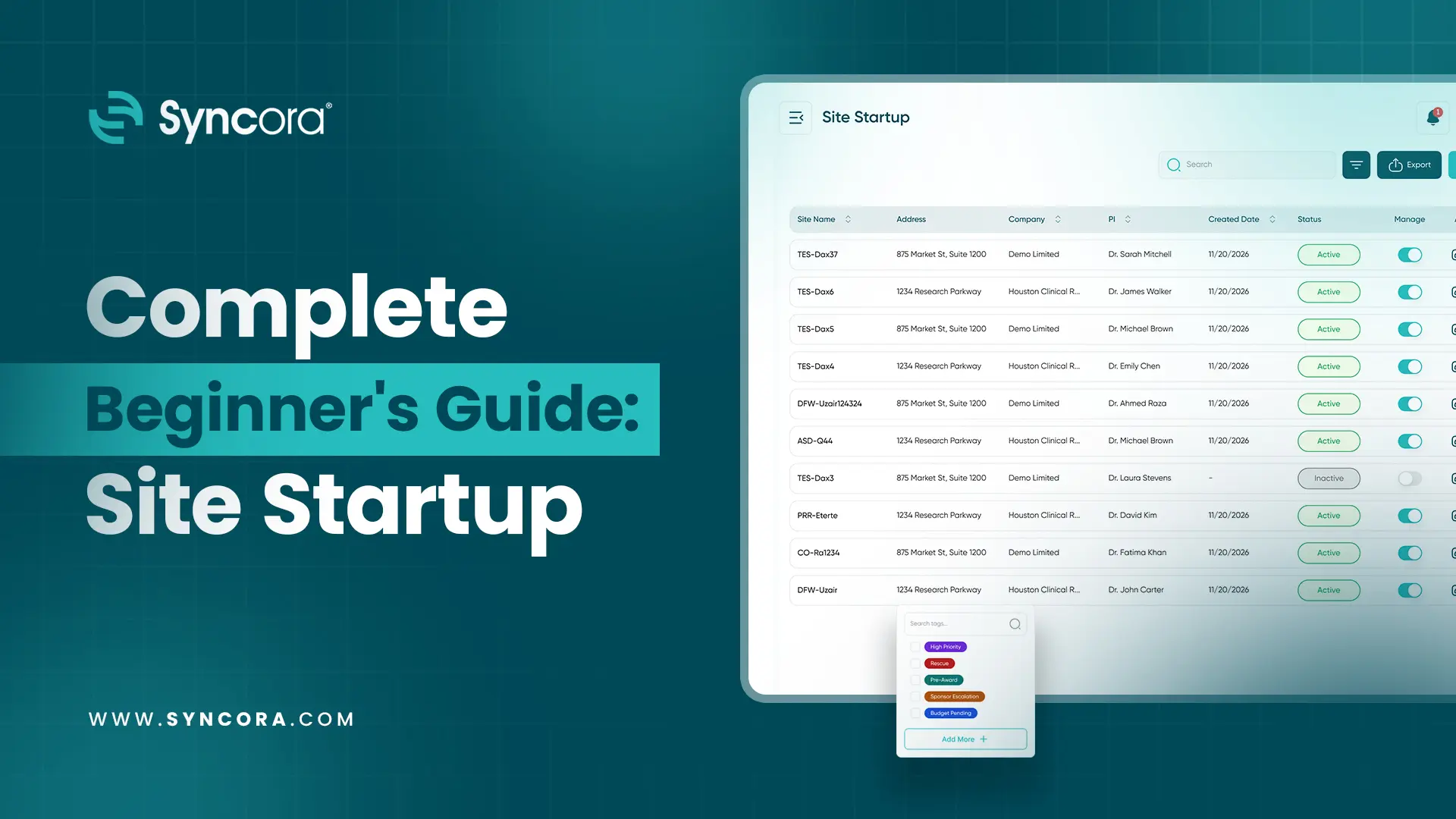
Learn how to create and set up a new site in Syncora using the Site Startup feature. This training walks you through each tab, from Site Info and Office Information to Sub-Investigator Details, Hospital Information, Space & Storage, and Equipment, helping you record all essential site information in one place.
You’ll also learn how to view complete site details, access linked vendors, manage site calendars, create follow-ups and events, and edit or delete sites when needed. Follow this walkthrough to manage your site information more efficiently in Syncora.
Lessons1
LevelBeginner
Course Content
1 lessons
01